

Nirmand · The app for building your home
Plan, choose, preview and build your home — all in one app.
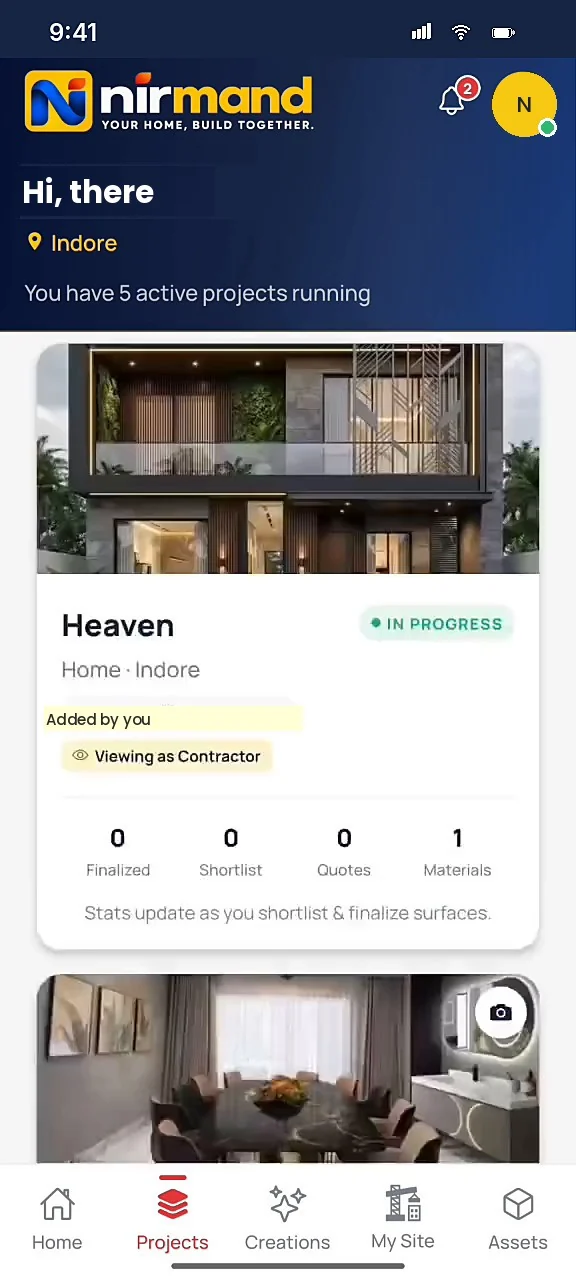
From the first plan to the last bill. Create the project for your home, flat, office or shop; choose real products room by room; see them on a photo of your own room with AI; decide with your family; and run the site with your architect and contractor, every rupee on record.

02 · The house
The finished home
Illustration · a G+1 home
Scroll to step inside
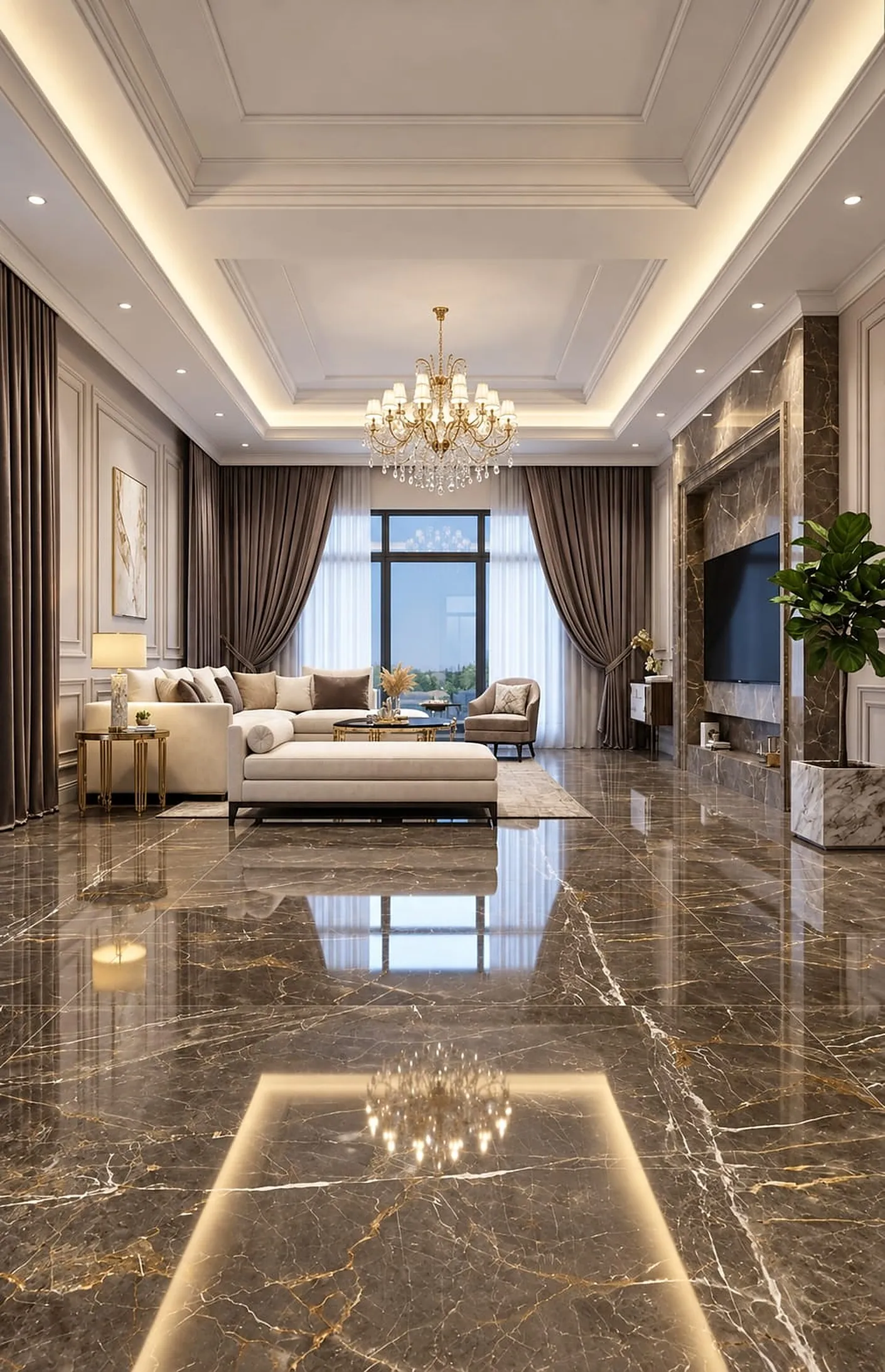
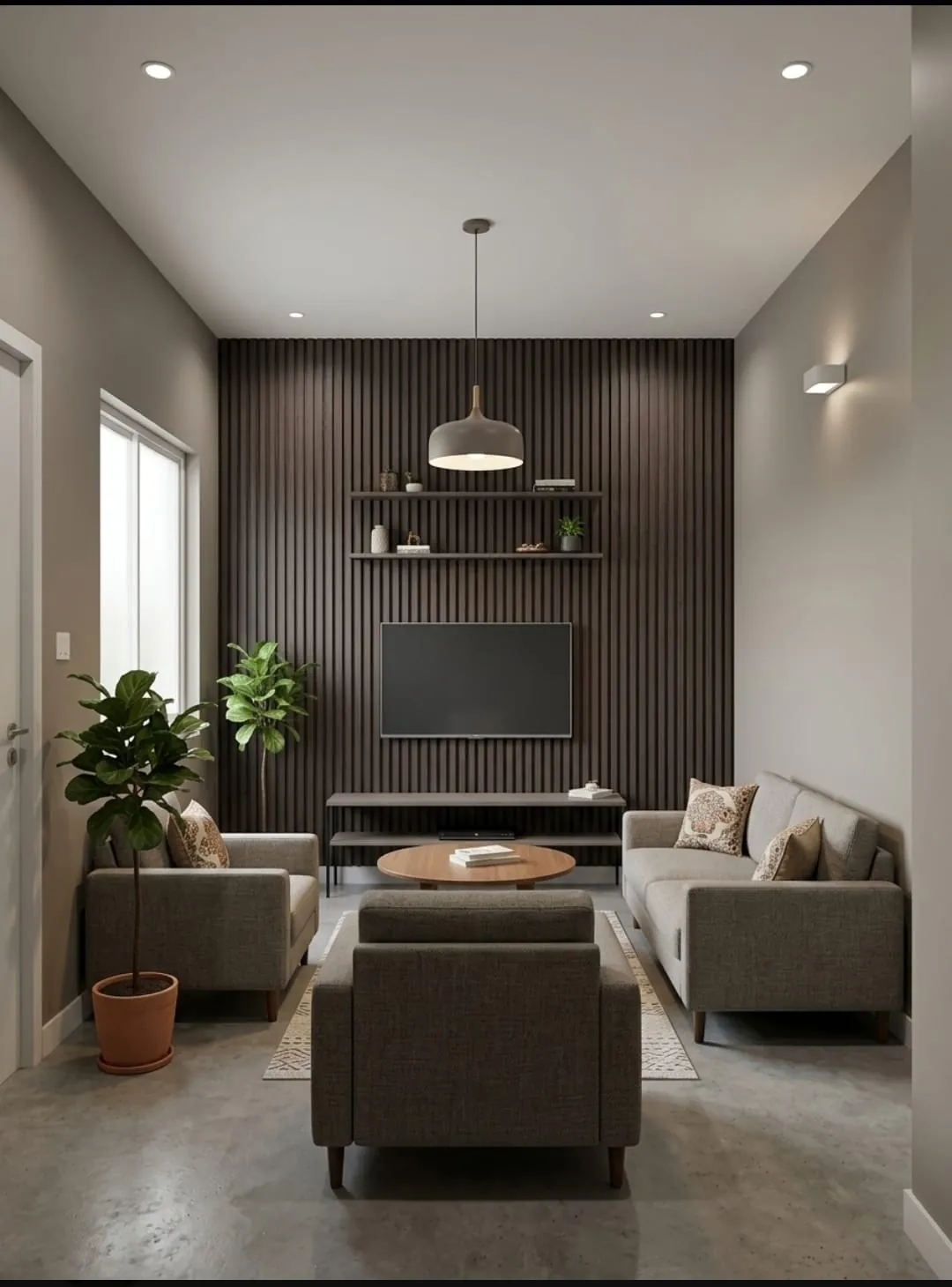
Through the door
Welcome home
Living room · Illustration
Create your
project in 3 steps.

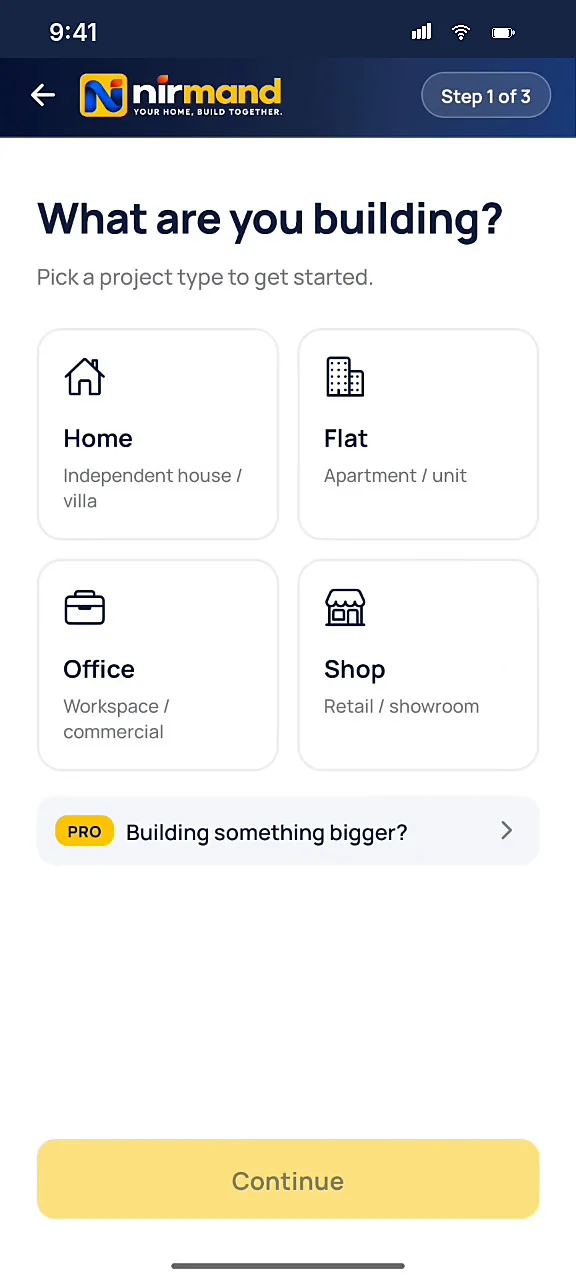
Step 1 / Type
Pick what you are building, name it, choose your spaces.
Scroll to wander →
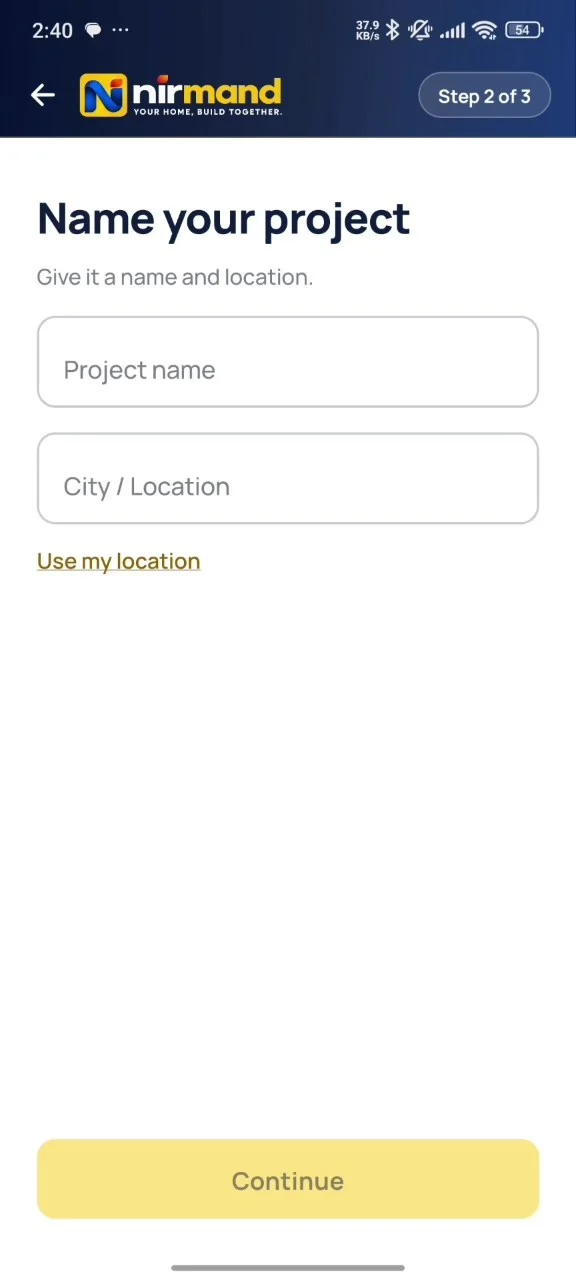
Give it a name
and a location.
Step 2 / Name
Project name and city, or tap once to use your location.
Choose
your spaces.
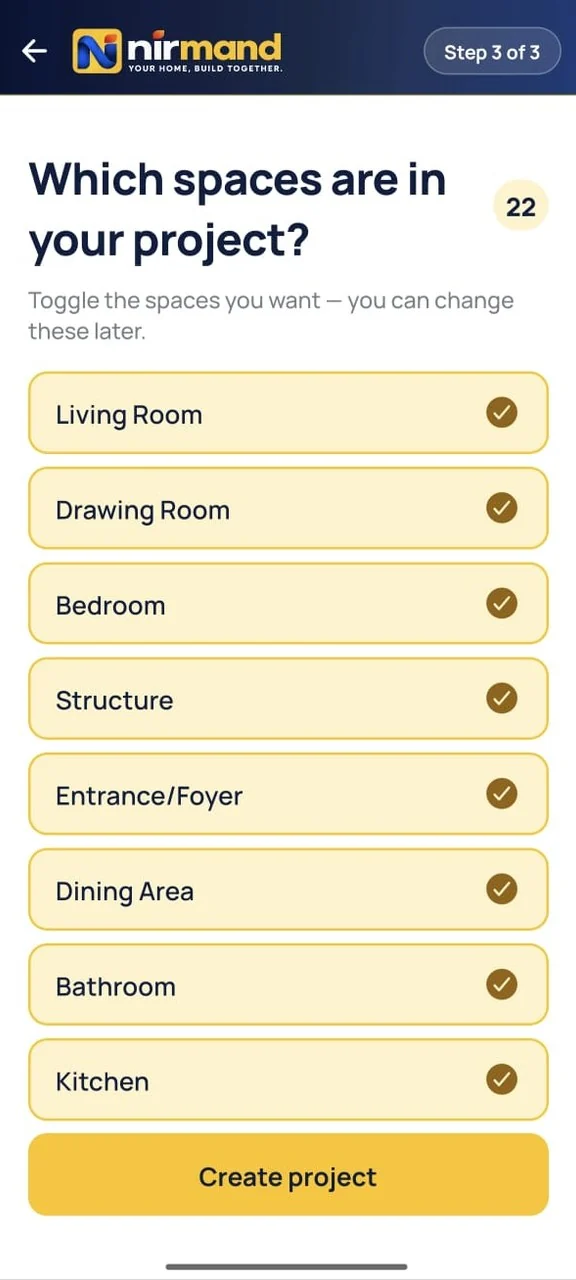
Step 3 / Spaces
Toggle the spaces you want — you can change these later. Every space you add is a room in the house.
04 · Surface by surface
Floor to ceiling,and everything on them.
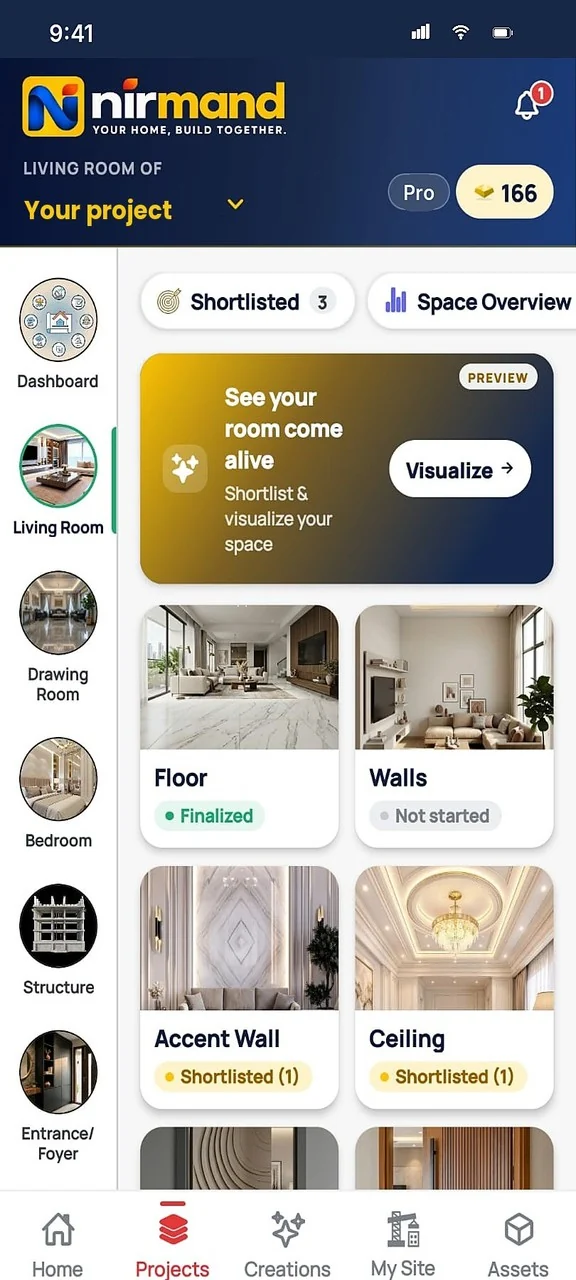
Open any space and the app lists every surface and item in it, each with its status: not started, shortlisted or finalized. This is the app itself, space by space.
Space 01 / 14
Living Room
26 surfaces & items
14 spaces in this project208 surfaces & itemsTap a space to jump to it
05 · Reels & shortlist
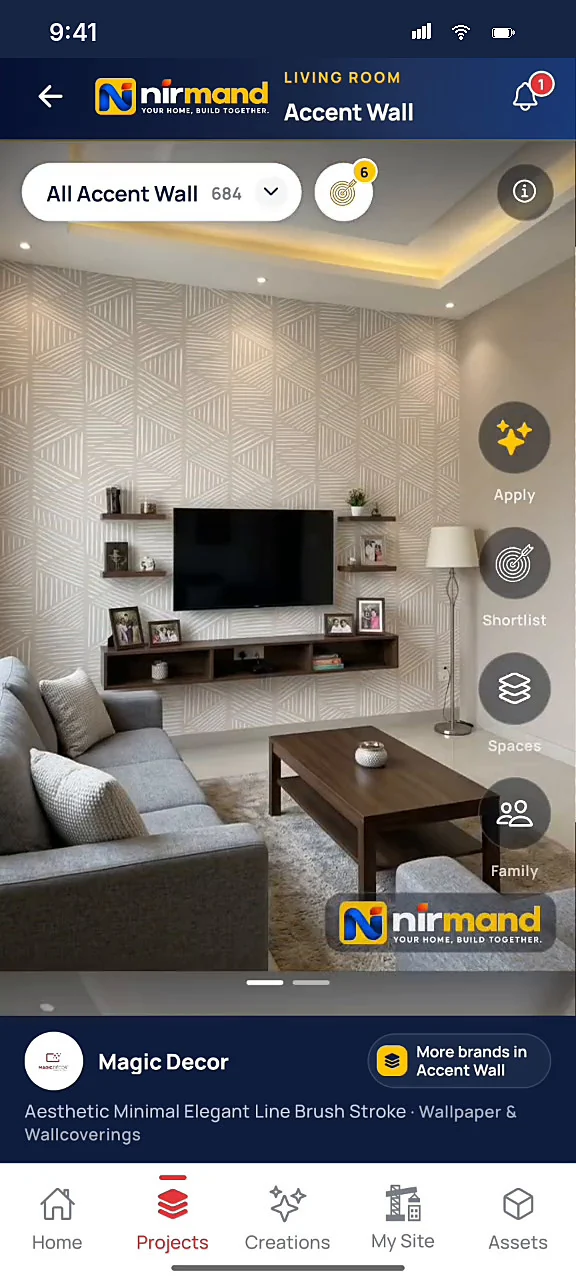
Swipe products.
Shortlist what you love.
9,000+ products from 790+ brands — real products, not just pretty pictures.
01 / 07


06 · Your real room · AI preview
Click a photo.
See it finished.
- 01
Click a photo of your real room
Any angle, any stage of construction. Bare walls are perfect — that is the canvas.
- 02
AI preview, usually in 20–40 seconds
Your shortlisted finish, rendered onto your own room photo.
Result
Full room makeover · Living Room
Previewed on the actual room photo. Satisfied · Regenerate · Download · Delete. Saved to My Creations.
Every AI preview carries a visible “AI preview” label. Colours on a screen can differ from the real product — check a sample at the shop before you buy.
The catalogue
Tap a pointon the living room.
The same room as the AI preview. See which categories and brands cover each part of it. Bathrooms, kitchens, doors, electricals, hardware and more are in the app.
A catalogue team in Indore
Checked before it goes live
9,000+
Products
790+
Brands
31
Categories
222
Subcategories
- 27categories already stocked
- 4being filled now: electrical, pipes, glass, tools
- 54,000+product photos
- Intake → QCproducts are checked by our team before they go live
Brand names are trademarks of their owners. They are listed to show which products are in the Nirmand catalogue and do not mean a partnership with or endorsement by the brand.
Family & experts
Ask your family.Decide together.
Share a shortlisted item, collect opinions and approvals, then finalize — with everyone on board.
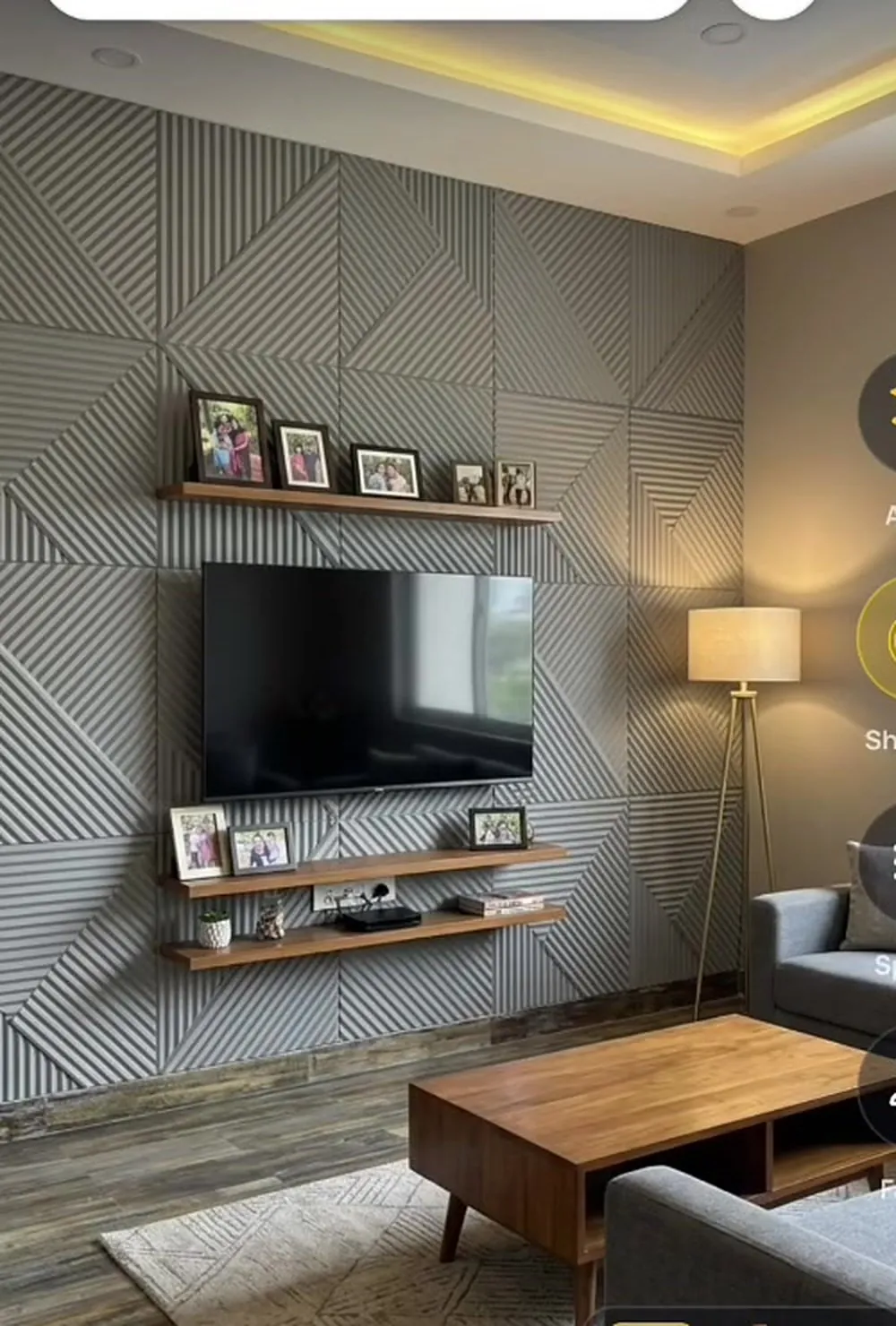
Living room accent wall — V-Groove light grey. Kaisa lage?
You · Living Room · Accent WallAcha nhi h… thoda plain lag raha
Mummy · FamilyMujhe pasand aaya 👍 TV ke peeche achha lagega
Papa · Project ownerApproved — budget me hai
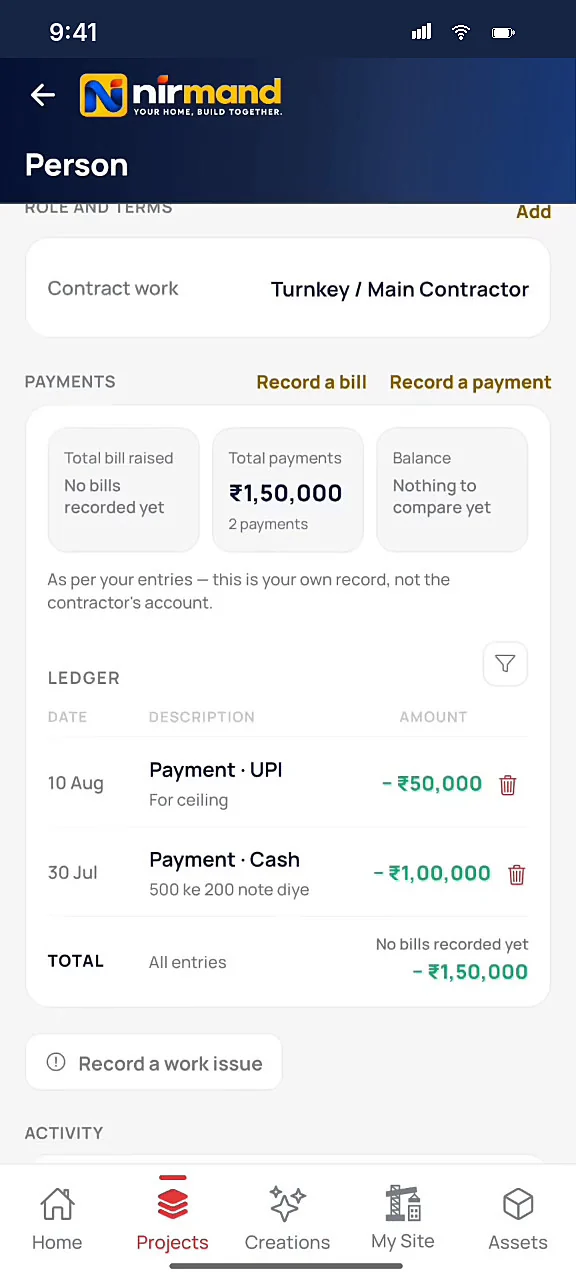
Contractor · Turnkey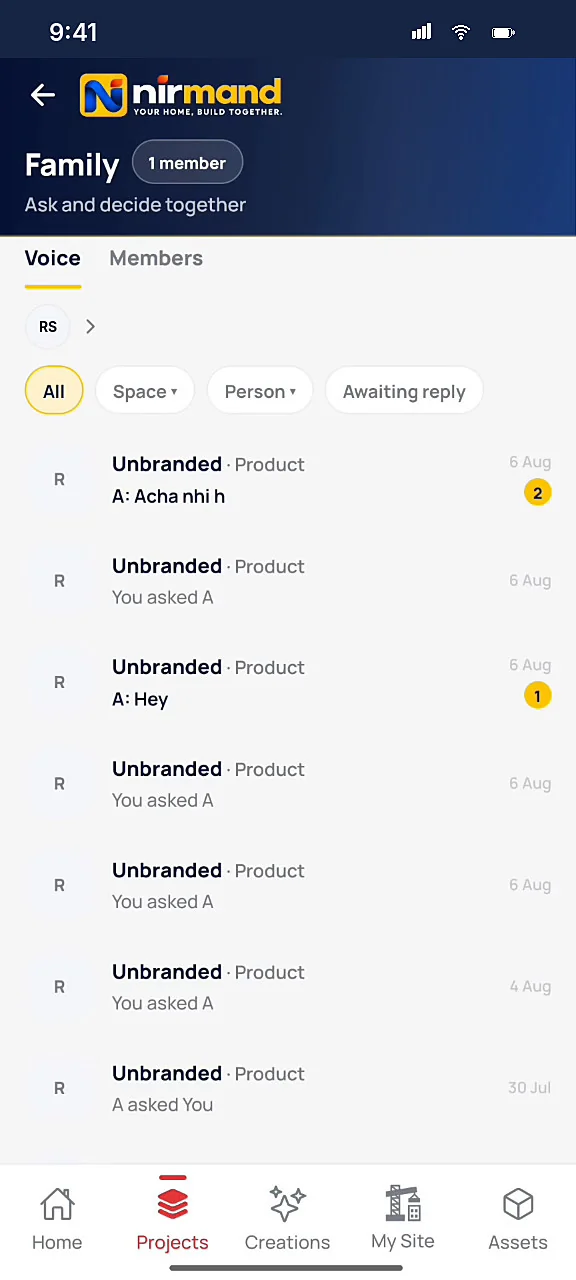
Architects & contractors
Your experts,
on the same page.
Invite them to your project — they see the same spaces, the same finalized items, the same records.
Your contractor
Project contractor · Turnkey / Main
Your electrician
Technician · Comes on Today
Invite your architect
Family · Staff · Vendors
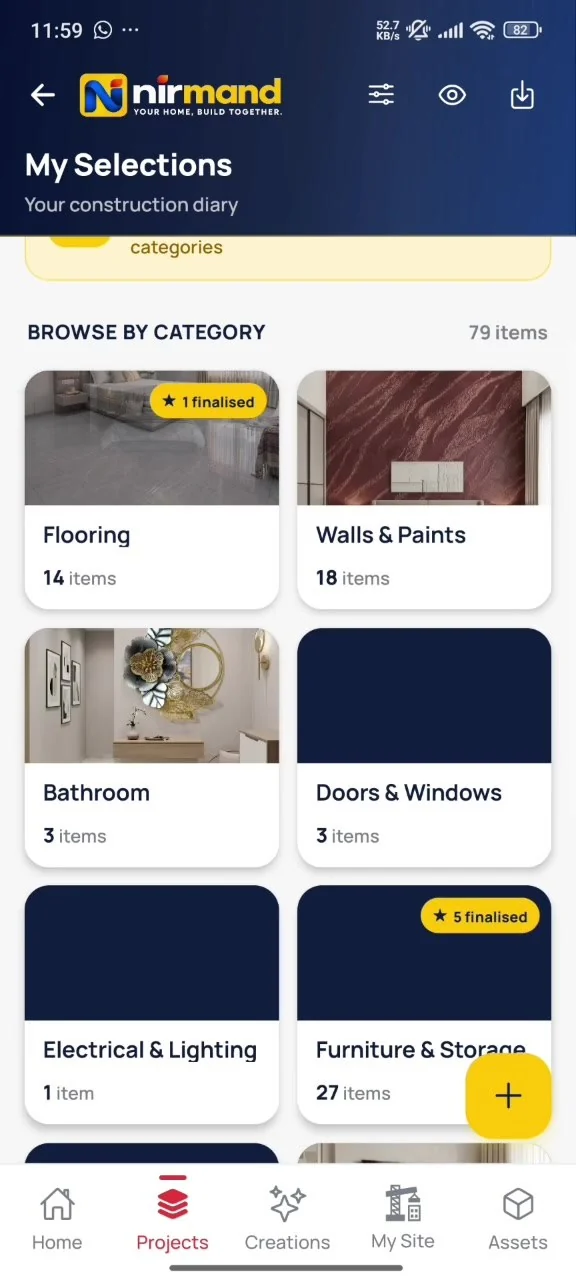
My Selections
Your constructiondiary.
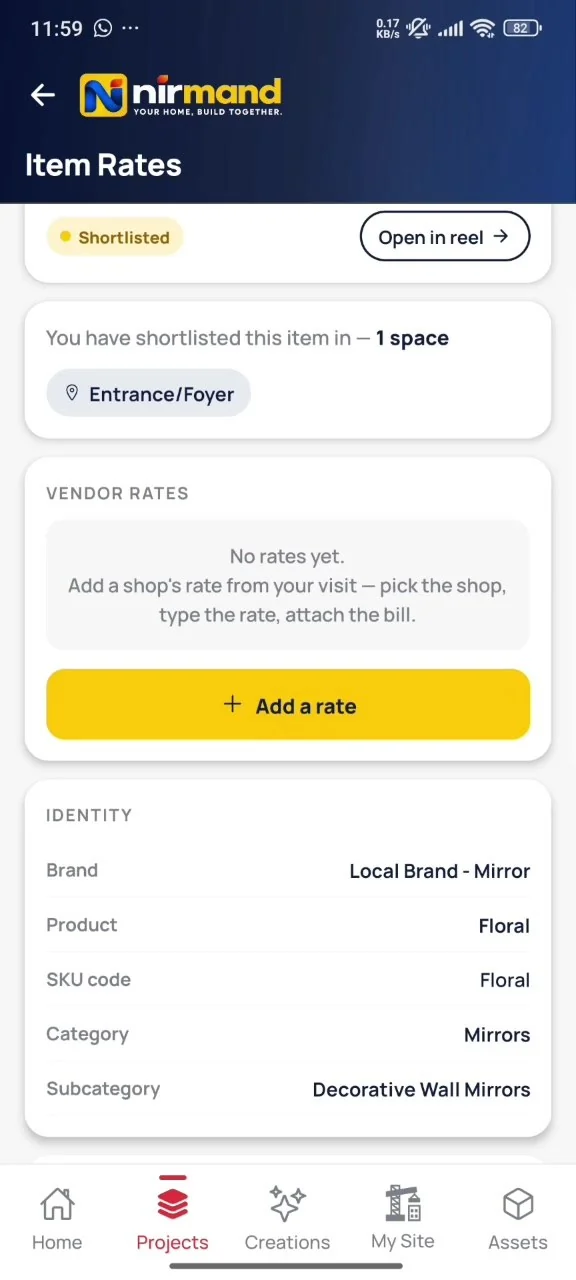
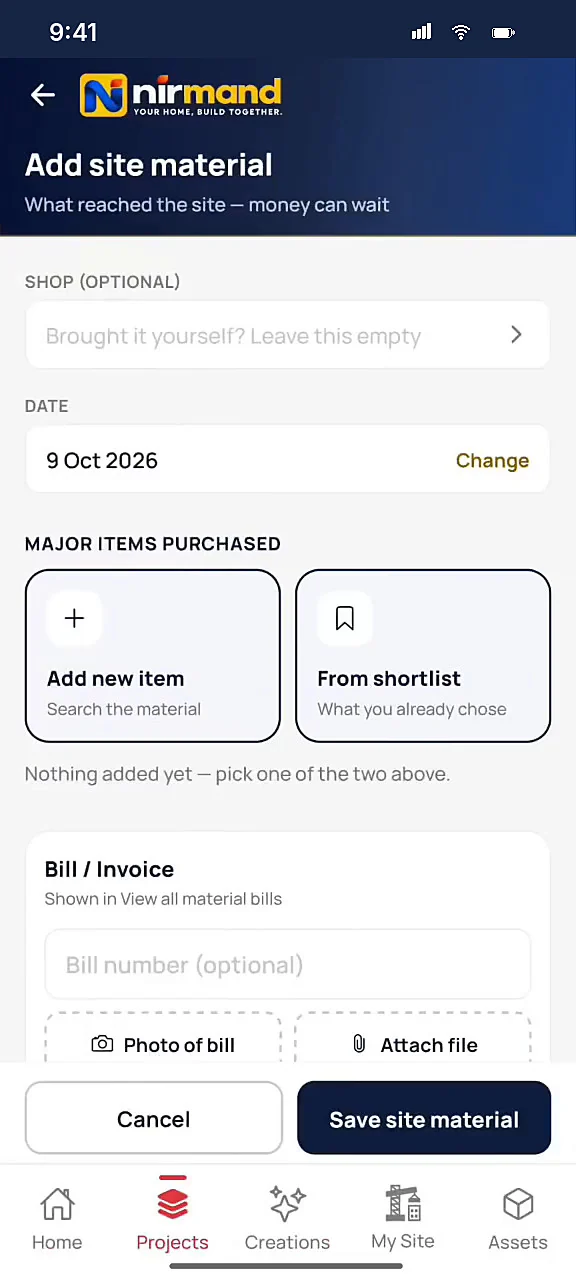
Visit any shop, note its rate for an item you have shortlisted, attach the bill. Nirmand keeps your best rates — the cheapest quote per item, across all categories.
Your Best Rates
Cheapest quote per item, across all categories.
Browse by category · 79 items
Flooring 14 · Walls & Paints 18 · Bathroom 3 · Doors & Windows 3 · Electrical & Lighting 1 · Furniture & Storage 27
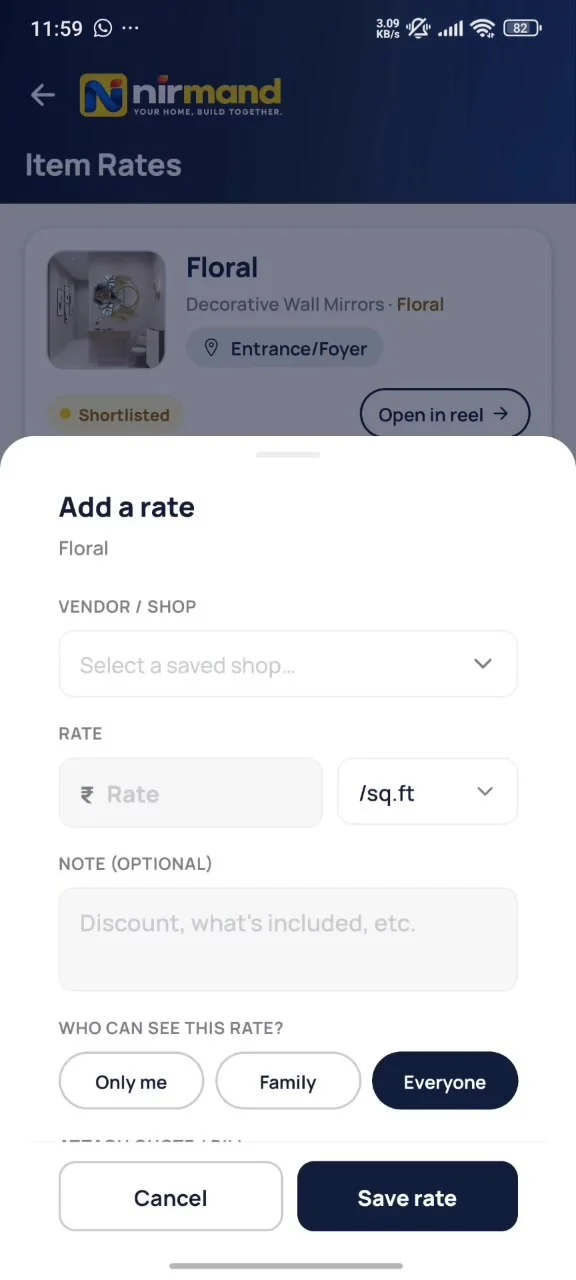
Add a rate
Pick the shop, type the rate per sq.ft or unit, add a note — discount, what's included — and choose who can see it: only me, family, or everyone.
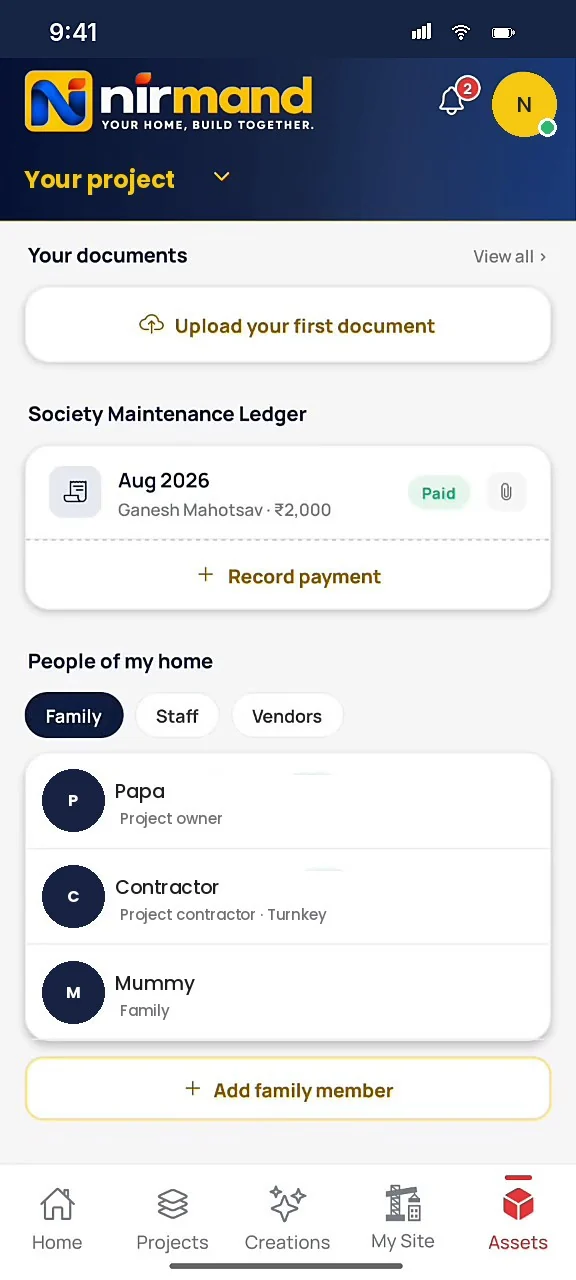
Documents & site drawings
All your project papers in one place: sale deed, plans, bills and receipts. Floor plans, elevations and layouts as PDF, photo or camera.
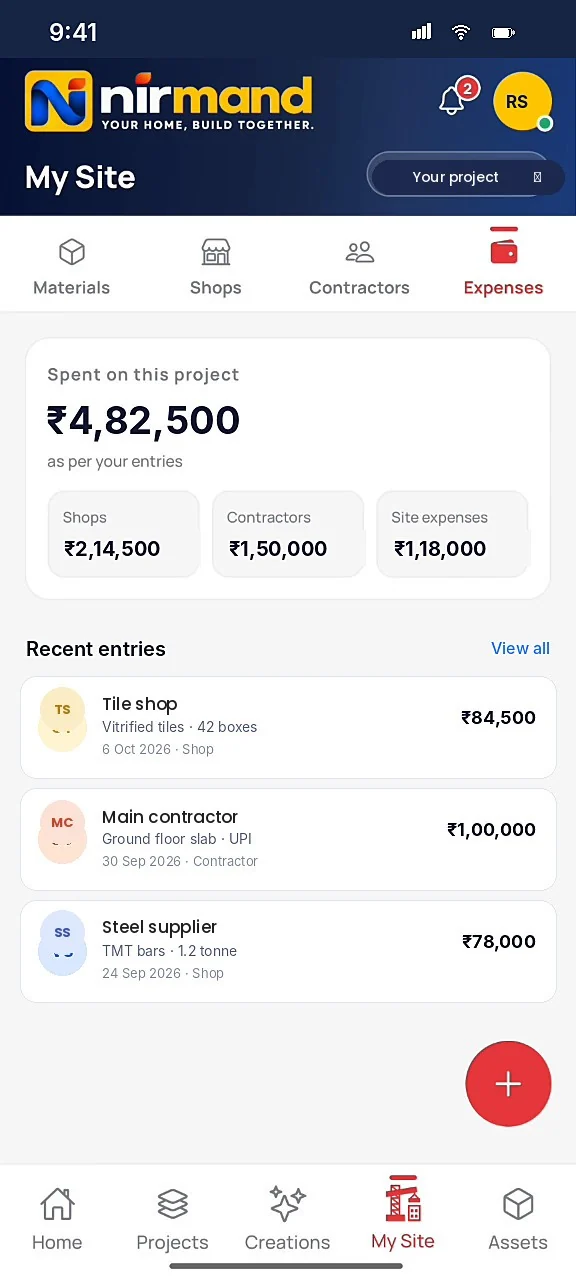
Expenses & site
Every rupee,tracked.
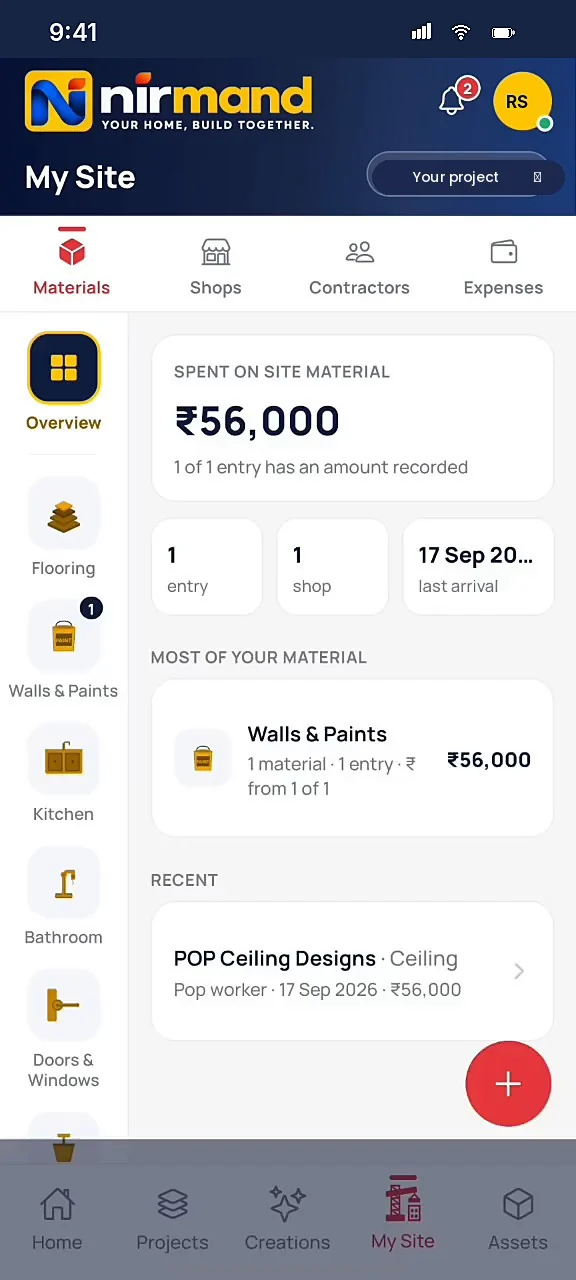
Site material, contractor payments, bills and invoices — your own record of where the money went.
₹0
spent on this project
Shops ₹2,14,500 · Contractors ₹1,50,000 · Site expenses ₹1,18,000
Recent entries
- Gupta Tiles & SanitaryVitrified tiles · 42 boxes₹84,500
- Main contractorGround floor slab · UPI₹1,00,000
- Verma Steel HouseTMT bars · 1.2 tonne₹78,000
Pricing
Start free.
Pay only for what you use.
Planning, browsing, shortlisting and your records are free. You pay for two things only, and both are for one project: Bricks for AI previews, and Pro to lift the Free-plan limits for 365 days. No subscriptions, no auto-renewal.
Bricks for AI previews
1 Brick = 1 AI preview of a product on a photo of your own room. A Final Look, which puts several approved products into one image, uses 2 Bricks at 1K, 3 Bricks at 2K, 4 Bricks at 4K, by size. Bricks are bought for one project, never expire, and a pack can be gifted to a family member in that project.
- 5 free Bricks on your first project
- A failed preview returns its Brick automatically
- Bricks never expire
- Savings are against the Entry pack's price per Brick
Pro for one project
One project, 365 days, no Free-plan limits. Pay once; renew only if you want to.
- Everything in Free, without the limits
- Unlimited documents, bills, receipts, expenses and work issues
- Up to 25 family members, unlimited Family Voice groups
- Download and share everything you create
- Create more projects while Pro is active
- +10 Bricks with every Pro payment
No auto-renewal. Renew early and the new 365 days are added to what is left. When Pro ends, nothing is deleted; the project goes back to the Free limits. Purchases are final, except for failed or duplicate payments: see the refund policy.
Free limits are per project. Everything you add stays when a limit is reached or Pro ends.
Prices shown are the final amount you pay. Nothing more is added at checkout. Payments are processed securely by Razorpay: UPI, cards, net banking and wallets.
Your next chapter
Let's buildyour home.
Nirmand India Private Limited · Indore, Madhya Pradesh